
If you want a more detailed comparison of how different booking approaches work, you can read our full comparison guide.
In this guide, we focus on the best WooCommerce Bookings alternatives and how they compare in real-world usage.
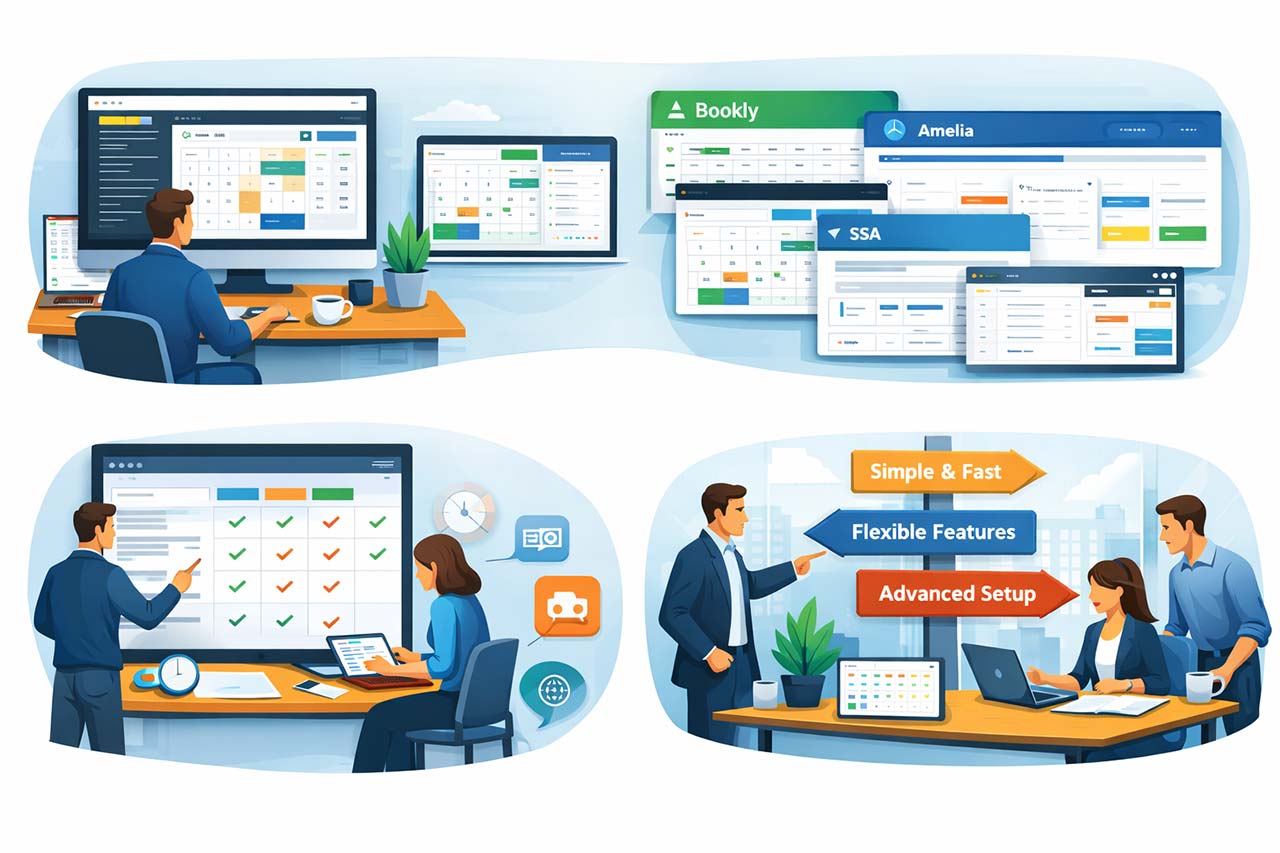
Best WooCommerce Bookings Alternatives by Use Case
There isn’t a single “best” plugin for everyone. What matters most is how you actually handle bookings in your day-to-day work.
Some tools are better for quick setups, others for flexibility, and some are designed for more structured operations.
If you want to explore more options beyond these tools, you can also check our complete list of WordPress booking plugins.
Bookly
If you are looking for flexibility and don’t mind extending your setup over time, Bookly is often one of the first options people consider.
It has been part of the WordPress ecosystem for years and is widely used for appointment-based services.
The core experience is simple: a step-by-step booking flow combined with basic scheduling tools. From there, you can gradually add features depending on your needs.
This makes it adaptable, but also means your setup can become more complex as it grows.
Amelia
For users who prefer a more complete system from the start, Amelia tends to feel more straightforward.
Instead of relying heavily on add-ons, it provides a more unified experience with appointments, events, and recurring bookings built in.
The interface is clean, and the setup is generally easier to follow compared to more modular tools.
That said, once your workflow becomes more specific, some limitations may appear depending on the plan you’re using.
Booknetic
If your workflow involves multiple steps, integrations, or automation, Booknetic gives you more room to customize how things work.
It includes features like multi-location management, automation rules, and connections with external tools.
Compared to simpler plugins, it offers more control over how bookings are handled behind the scenes.
The trade-off is that it may take more time to configure properly, especially if you are setting up more advanced logic.
FluentBooking
FluentBooking takes the opposite approach — it keeps things simple.
It is designed for users who want a clean booking system without dealing with complex configuration.
You can set it up quickly and start accepting bookings with minimal effort.
It doesn’t aim to cover advanced scenarios, but for straightforward use cases, that simplicity is often exactly what’s needed.
WP Booking Calendar
WP Booking Calendar is more suited to availability-based bookings rather than service appointments.
It is commonly used for rentals, rooms, or any situation where you manage dates instead of staff schedules.
The strength of this type of tool is in handling availability clearly and reliably over time.
However, it is not focused on workflows that involve multiple staff members or service-based logic.
Simply Schedule Appointments (SSA)
SSA is built around ease of use.
It is a good option if you want to get something running quickly without spending too much time on configuration.
The interface is simple, and it integrates well with page builders, which makes it easy to embed booking forms into a site.
Like other lightweight tools, it works best when your booking process stays relatively simple.
Volixta
If your booking process involves multiple people, locations, or more advanced billing logic, simpler plugins can start to feel limiting.
In those cases, a tool like Volixta is designed to handle that complexity more directly.
Instead of adapting bookings to fit into a product-based structure, it works with scheduling as its own system — where services, staff, and availability rules are managed together.
This approach becomes more relevant as operations grow and coordination becomes part of the daily workflow.
Compare the Best WooCommerce Bookings Alternatives (Quick Overview)
Rather than going feature by feature, this table highlights where each plugin fits best in real-world usage.

| Plugin | Best for | Main strengths | Main limitations |
|---|---|---|---|
| Bookly | Businesses that want flexibility with add-ons | Large ecosystem, step-by-step booking flow, staff scheduling | Many advanced features require extra add-ons |
| Amelia | Teams looking for an all-in-one booking plugin | Modern interface, appointments and events, recurring bookings | Some advanced features depend on higher-tier plans |
| Booknetic | Businesses needing automation and advanced integrations | Multi-location support, automations, role management | Can feel heavier to configure |
| FluentBooking | Freelancers and simple appointment setups | Fast setup, lightweight, clean interface | Less suitable for complex operations |
| WP Booking Calendar | Rental and availability-based bookings | Strong date availability control, multi-day reservations | Less focused on service staff workflows |
| Simply Schedule Appointments | Small businesses that want a simple setup | Easy to use, clean forms, smooth onboarding | Limited advanced scheduling logic |
| Volixta | Advanced booking operations with teams and locations | Flexible rules, staff and branch logic, booking-aware billing | Better suited to growing businesses than very small setups |
This comparison highlights an important pattern.
Most lightweight plugins focus on simplicity and quick setup, while more advanced systems provide deeper control over scheduling, teams, and billing.
Choosing between them is less about features and more about the level of complexity your business requires.
How to Choose the Right Alternative for Your Workflow
Not all booking plugins are built for the same type of workflow.
Some are designed for quick scheduling, others for flexibility, and some for managing more complex operations.
Here is a practical way to approach your decision:
- If you want something simple and quick to set up → tools like FluentBooking or SSA are often enough
- If you need more flexibility with services and staff → Bookly or Amelia are popular choices
- If your workflow includes automation or integrations → Booknetic offers more control
- If your business involves rentals or availability-based bookings → WP Booking Calendar is often a better fit
- If you are managing teams, multiple locations, or complex billing → a more advanced system like Volixta becomes relevant
Instead of going through each tool one by one, this table gives you a quick overview of how they differ in practice.
| If you need… | Best option |
|---|---|
| A simple booking setup with minimal configuration | FluentBooking or SSA |
| A flexible system with many extensions | Bookly |
| An all-in-one booking plugin with a modern interface | Amelia |
| Advanced workflows and automation | Booknetic |
| Rental or availability-based bookings | WP Booking Calendar |
| Advanced scheduling with teams, locations, and billing logic | Volixta |
For example, a freelancer with a single service will not have the same needs as a multi-location business with several employees and different schedules.
When Is It Time to Move Away from WooCommerce Bookings?
In many cases, WooCommerce Bookings works perfectly at the beginning.
But limitations usually appear when:
- scheduling becomes dependent on staff availability
- multiple locations need separate control
- services require flexible durations or buffers
- billing becomes more complex (packages, deposits, credits)
When these needs appear, switching to a more specialized booking system is often less about adding features and more about reducing friction in daily operations.
A Quick Reality Check
Many comparisons focus on features, but in practice, most businesses don’t switch tools because of missing features.
They switch because the system becomes harder to manage over time.
If your current setup already feels difficult to maintain, choosing a tool that matches your workflow will make a bigger difference than simply adding more options.
Final Thoughts
There’s nothing wrong with starting simple.
But as your business evolves, your tools need to evolve with it.
Exploring WooCommerce Bookings alternatives isn’t just about finding more features — it’s about finding a system that fits the way you work, rather than forcing your workflow into something that was never designed for it.
Frequently Asked Questions About WooCommerce Bookings Alternatives
What is the best WooCommerce Bookings alternative?
There isn’t a single best option for everyone. It depends on how you manage your bookings.
Some plugins are better for simple appointment scheduling, while others are designed for more advanced setups with teams, locations, or custom workflows. The best choice is usually the one that fits your daily process, not the one with the most features.
Can I use WooCommerce with another booking plugin?
Yes, many booking plugins can still work alongside WooCommerce.
In most cases, WooCommerce is used for payments, while the booking plugin handles scheduling, availability, and the booking flow itself. This setup allows you to keep your existing payment system while improving how bookings are managed.
Are WooCommerce Bookings alternatives easier to use?
Not always. Some alternatives are simpler, while others are more advanced.
Lightweight tools are usually easier to set up, but they may lack flexibility. More powerful systems can handle complex workflows, but they often require more configuration. Ease of use depends on what you actually need.
Which booking plugin is best for small businesses?
For small businesses or freelancers, simplicity is often more important than advanced features.
Plugins that focus on quick setup and clean booking forms are usually enough in the early stages. More advanced tools only become useful when scheduling starts to involve multiple people or more complex rules.
When should I switch from WooCommerce Bookings?
Most users consider switching when their booking process becomes harder to manage.
This can happen when you need separate schedules for staff, more control over availability, or more flexibility in how bookings are handled. If managing bookings starts to feel complicated, it’s often a sign that your current setup no longer fits your workflow.
Do all booking plugins support multiple staff members?
No, not all of them.
Some plugins are built for single-user setups, while others include full staff management with separate schedules, roles, and permissions. If your business relies on a team, it’s important to choose a plugin that supports this from the start.
What should I look for in a WooCommerce Bookings alternative?
The most important factors are usually related to how your business operates.
You should consider how bookings are scheduled, whether you need staff or location management, and how much control you want over availability and booking logic. Choosing a plugin that matches your workflow will make a bigger difference than focusing only on features.