
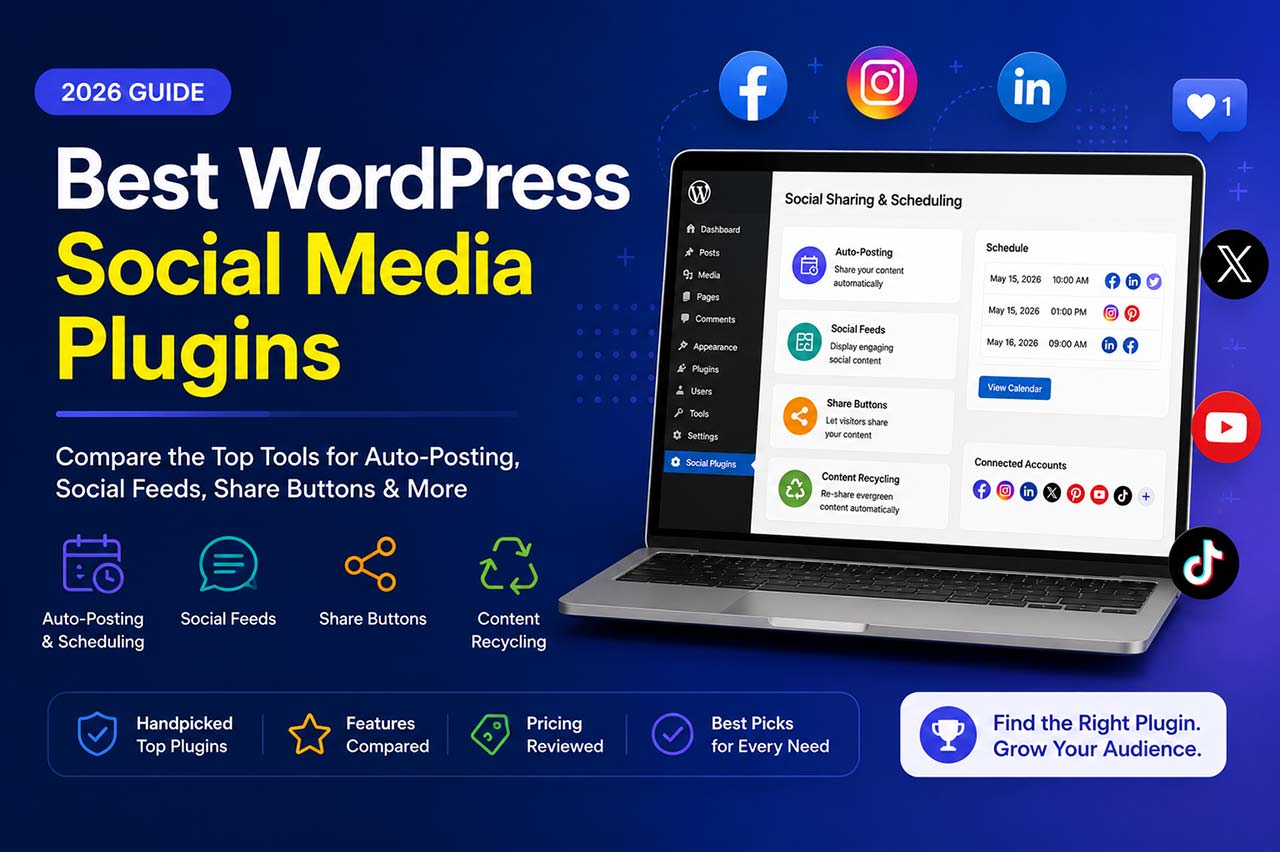
One plugin auto-posts your articles to LinkedIn the moment you hit Publish. Another pulls your Instagram feed into your homepage. A third adds share buttons under each blog post. A fourth quietly recycles your archive every few weeks without you lifting a finger.
These are four distinct problems. The best tool for one job is usually wrong for the others.
This guide skips the padded list format. Instead, it groups the best WordPress social media plugins by what they actually do, explains when each category makes sense, and gives you a focused shortlist of top picks per category so you can make the right call faster.
At a Glance: Best Picks by Category
| Plugin | Category | Free Version | Starting Price | Networks |
|---|---|---|---|---|
| FS Poster | Auto-posting / Scheduling | No | $58/year | 26 |
| Jetpack Social | Auto-posting | Yes (unlimited) | $59.40/year | 6 |
| SchedulePress | Auto-posting + Calendar | Yes | $39/year | 8 |
| Blog2Social | Auto-posting | Yes (12 networks) | €72/year | 17+ |
| Smash Balloon | Social Feeds | Yes (limited) | $49/year | Multi-network |
| Spotlight | Social Feeds (Instagram) | Yes | $60/year | |
| AddToAny | Share Buttons | Yes (only) | Free | 100+ |
| Novashare | Share Buttons | No | $24.95/year | 20+ |
| Revive Old Posts | Content Recycling | Yes | $75/year | 7 |
Category 1: Auto-Posting and Scheduling Plugins
Auto-posting plugins connect WordPress to your social accounts and publish content automatically when you create a post. The goal is simple: write once, share everywhere, without opening each social tab by hand.
This is the category most people are searching for when they look for a “WordPress social media plugin.”
1. FS Poster
Best for: WordPress publishers, WooCommerce stores, agencies, and anyone posting to more than two social channels regularly.
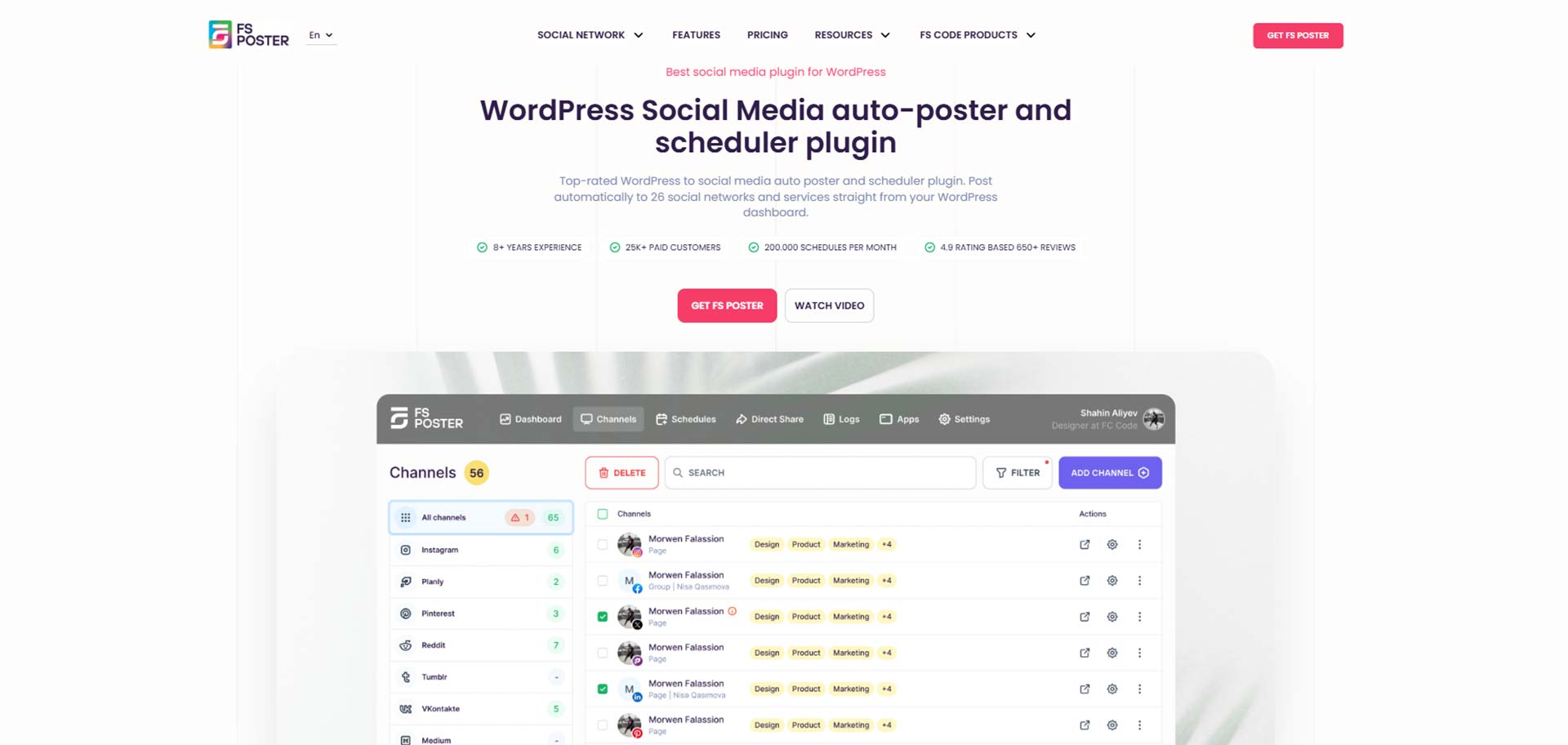
FS Poster is the strongest auto-posting plugin available for WordPress in 2026. The core strength is breadth combined with depth: 26 supported social networks, all managed from inside the WordPress dashboard without relying on an external platform.
Supported networks include Facebook pages, groups, and profiles; Instagram, including carousel posts; LinkedIn personal and company pages; Pinterest; Twitter/X; Threads; TikTok; YouTube, including YouTube Shorts; Telegram; Reddit; and others. New networks have been added regularly over the product’s history.
Key features:
Scheduling and planner: Set exact dates and times for each post. Queue multiple posts across multiple accounts without a hard cap on volume.
Visual calendar: See all upcoming scheduled social posts in a calendar view. This is practical for teams that plan content weeks in advance.
WooCommerce integration: Product pages auto-post just like blog posts. The plugin pulls the product image, title, price, and description automatically. This makes FS Poster useful for eCommerce stores, not just bloggers.
Custom messages per network and account: Write a different caption for Instagram, LinkedIn, and Facebook. You are not forced into one generic text for every platform.
AI writing assistant: Generate captions directly inside the FS Poster panel without switching to a separate tool or app.
YouTube Shorts support: Short-form video content can be posted directly to YouTube Shorts from within WordPress.
Unlimited social accounts: No artificial cap on how many accounts you connect per network.
Pricing:
- No free tier. 14-day money-back guarantee.
- Single site: $58/year; renewal $65/year.
- Lifetime plans are also available for long-term buyers who prefer a one-time purchase.
FS Poster earns the top spot here because it combines the widest network coverage with a workflow that stays entirely inside WordPress, a scheduling calendar that holds up for real editorial teams, and WooCommerce support that most competitors skip entirely. The pricing is competitive given the feature depth.
2. Jetpack Social
Best for: Solo bloggers and small business owners who only need 4 to 6 mainstream networks and want the fastest possible setup.
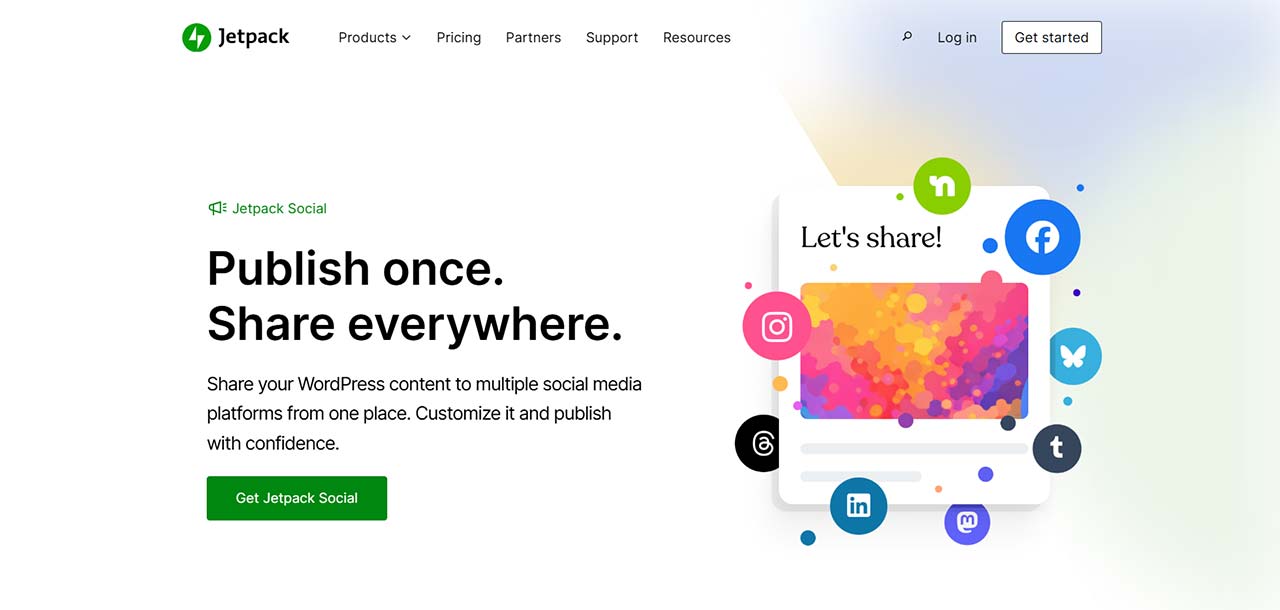
Jetpack Social comes from Automattic, the company behind WordPress.com. The social auto-share feature is now available as a standalone plan, so you no longer have to install the entire Jetpack suite to get it.
Setup is fast. Connect your accounts, and the plugin shares your posts when they publish. There is very little configuration involved.
The trade-off is network depth. Jetpack Social covers around 6 networks: Facebook, LinkedIn, Instagram Business, Tumblr, Mastodon, and Bluesky. If you need Pinterest, Telegram, Threads, TikTok, or most other platforms, you will hit a ceiling quickly.
It also lacks a scheduling calendar, deep per-account caption customization, and WooCommerce-specific features.
Pricing:
- Free plan: unlimited auto-shares.
- Social Basic: $59.40/year.
- Social Advanced: higher tier with AI captions.
Good entry point for bloggers with simple needs. Not designed for publishers who operate more than 4 networks.
3. SchedulePress
Best for: Editorial teams and multi-author WordPress blogs that need a drag-and-drop content calendar alongside social sharing.
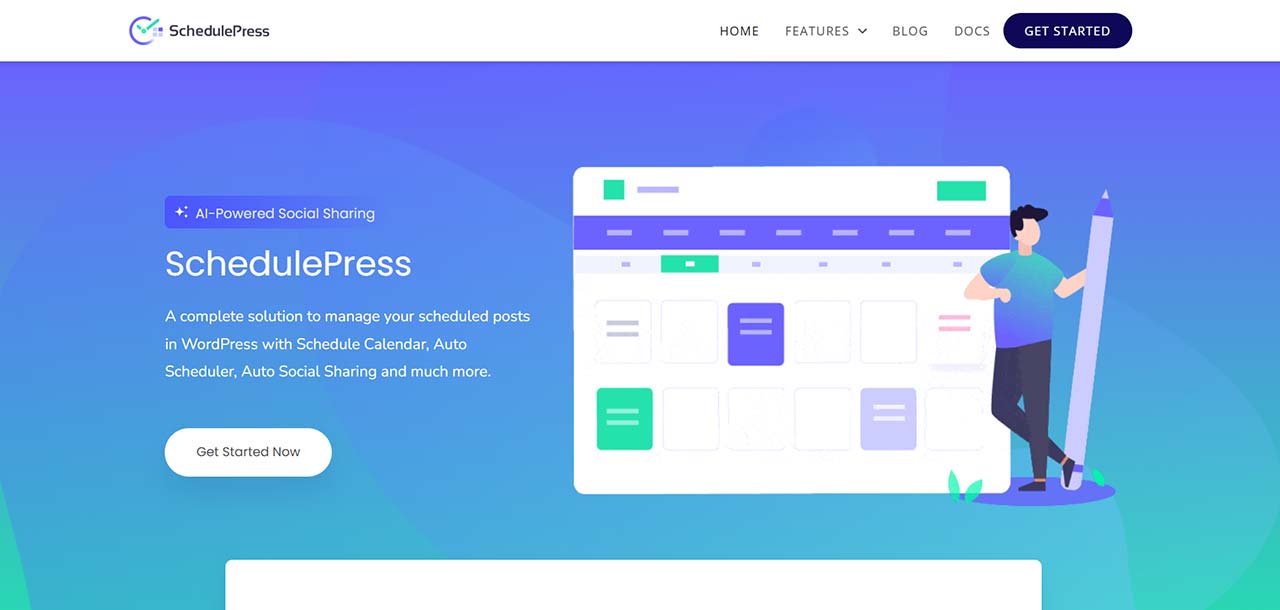
SchedulePress started as a content planning and editorial calendar tool, and that shows in its design. The calendar is genuinely strong. The social auto-sharing is a useful add-on to that core, though network depth is more limited than FS Poster.
Supported networks include Facebook, Twitter/X, LinkedIn, Pinterest, Instagram, Tumblr, Medium, and Buffer. You can schedule social posts directly from the calendar interface, which works well for teams coordinating across multiple authors.
If your main pain point is editorial planning with social sharing as a secondary need, SchedulePress fits well. If social publishing is your primary goal across many networks, FS Poster is the better pick.
Pricing:
- Free version on WordPress.org.
- Individual: $39/year.
- Business and agency plans at higher tiers.
4. Blog2Social
Best for: Bloggers who want a free starting point and are comfortable with a freemium pricing model.
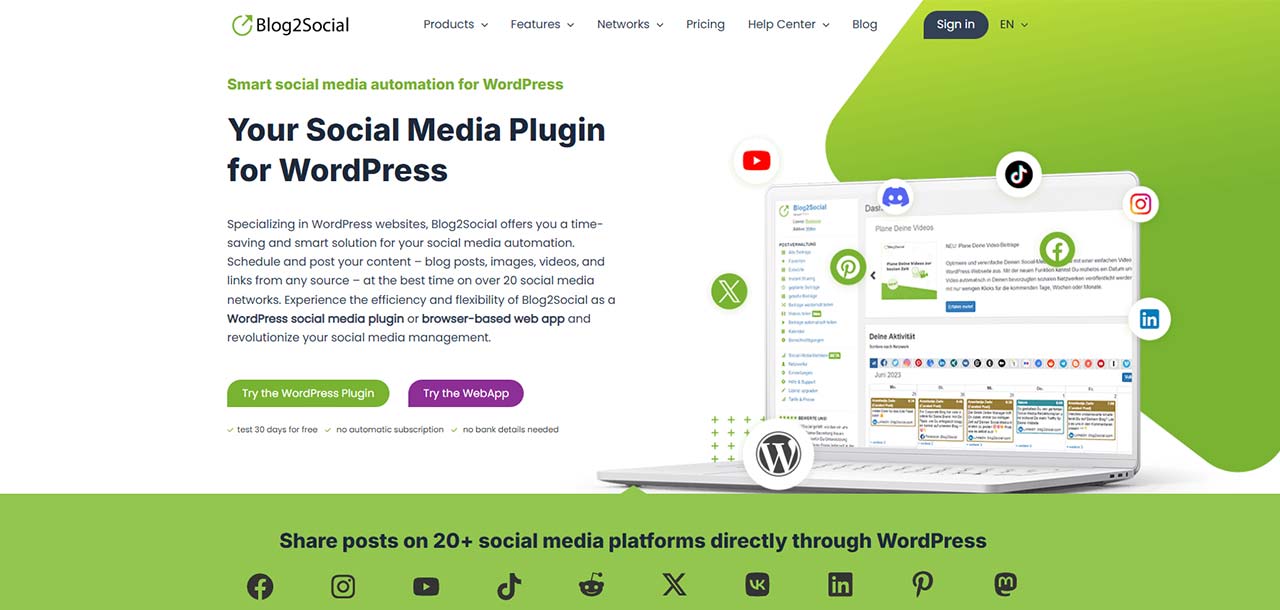
Blog2Social has been part of the WordPress ecosystem for several years. It supports over 17 networks and includes a calendar view, which makes it an accessible starting point for users who want to try social scheduling without paying upfront.
A few things to know before committing: the free plan covers 12 networks for basic sharing, but auto-sharing on publish requires a paid plan. X/Twitter posting requires a separate monthly add-on on certain plan tiers. The interface and overall product design are more dated compared to newer tools in this category.
Blog2Social is a workable entry-level option. For publishers who want broader network coverage, cleaner pricing, stronger automation, and a more modern workflow, the other tools in this section are better fits.
Pricing:
- Free: €0; 12 networks, manual sharing only. Auto-sharing requires a paid plan.
- Smart: €72/year.
- PRO: €118/year.
- Agency: €299/year.
Category 2: Social Feed Plugins
Social feed plugins do the opposite of auto-posting tools. Instead of sending your WordPress content out to social networks, they pull social content in and display it on your website.
Common use cases include showing a live Instagram gallery on a product landing page, embedding a YouTube feed in a sidebar, displaying Facebook reviews on a homepage, or building a social wall for a campaign page.
This category is not a replacement for auto-posting tools. They solve different problems.
Smash Balloon
Best for: Businesses that want polished, highly customizable social feeds across multiple networks.
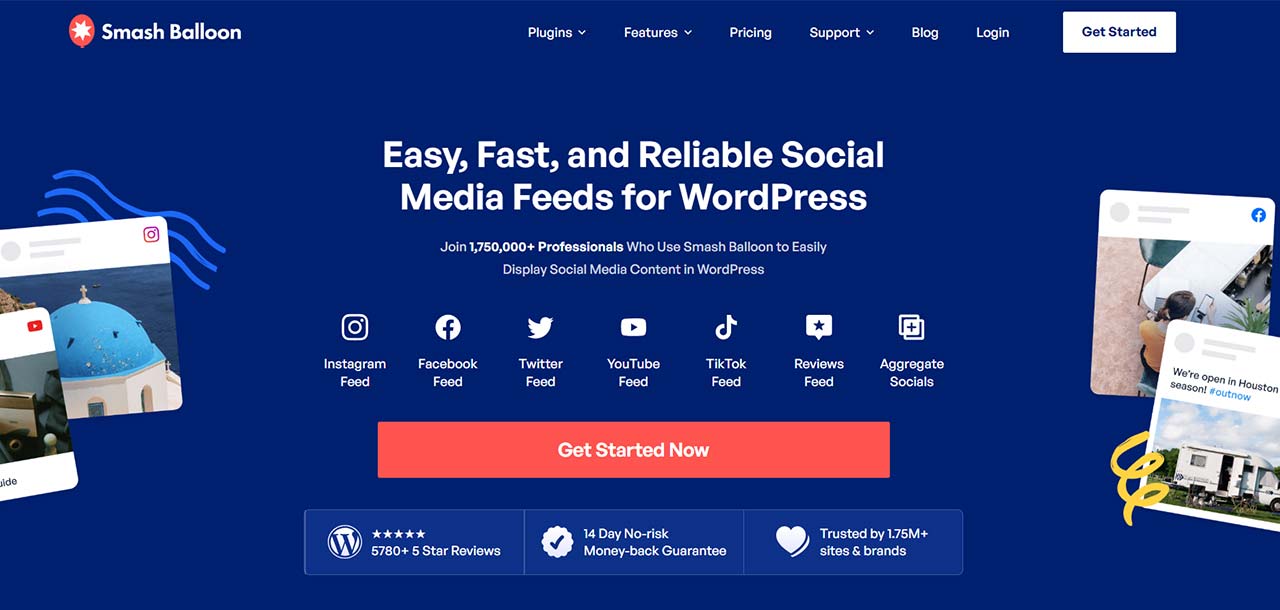
Smash Balloon offers separate plugins for each network: Instagram Feed, Facebook Feed, YouTube Feed, TikTok Feed, and Twitter Feed, plus a Social Wall plugin that combines them. The modular approach lets you install only what you need.
The feeds are visually clean and configurable without code. You can control layout style, post count, color scheme, header design, and more from the WordPress dashboard.
Smash Balloon is one of the most installed feed plugin suites on WordPress.org, which means it is well-maintained and widely compatible with themes and page builders.
Pricing:
- Individual feed plugins, including Instagram, Facebook, YouTube, and TikTok: from $49/year each.
- Social Wall: $299/year.
- Bundle options available at discounted rates.
Spotlight
Best for: Sites that specifically need a well-designed Instagram feed or gallery.
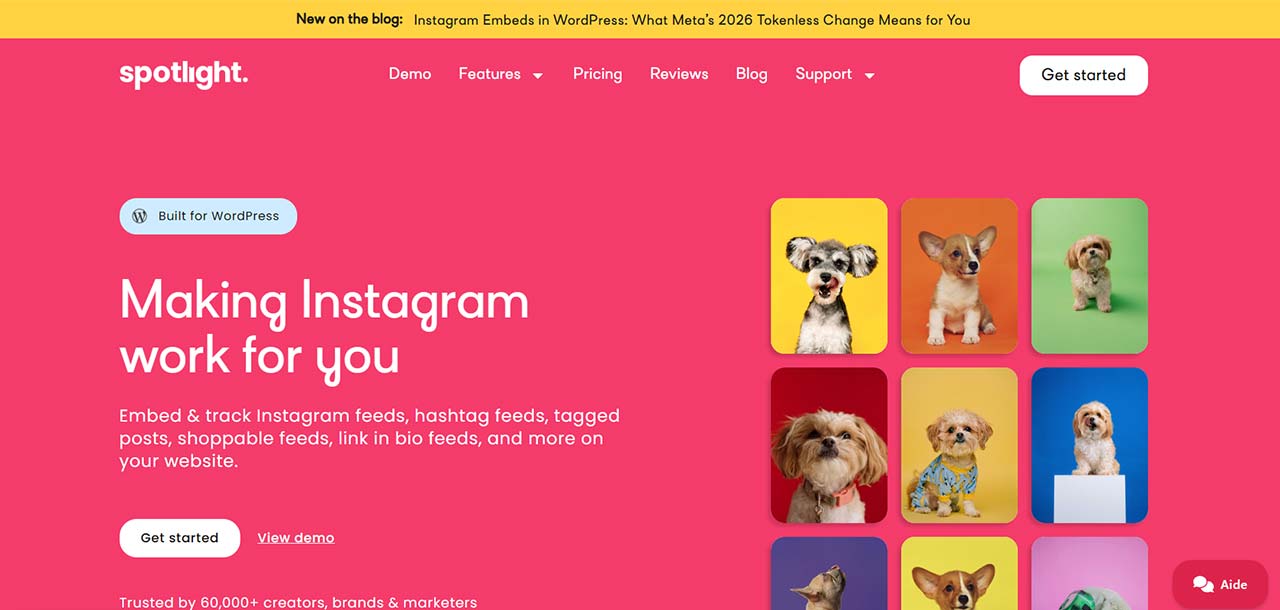
Spotlight is a focused Instagram feed plugin with a strong visual builder. You can create grid layouts, masonry galleries, carousels, and popup lightboxes from the same interface. It connects to personal Instagram accounts and business profiles.
If your only feed need is Instagram, Spotlight gives you more layout flexibility and a cleaner builder experience than a general-purpose feed plugin designed for six networks at once.
Pricing:
- Free version available on WordPress.org with basic layouts.
- Personal: $60/year.
- Business and unlimited plans at higher tiers.
Category 3: Share Button Plugins
Share button plugins let your visitors share your content to their own social accounts. They are different from auto-posting tools: instead of you pushing content out, you are giving readers the tools to spread it themselves.
Share buttons are lightweight additions that most content-heavy sites benefit from.
AddToAny
Best for: Any site that wants reliable share buttons with zero cost and minimal footprint.
AddToAny is free, lightweight, and supports over 100 sharing destinations including all major social networks, email, messaging apps, and bookmarking services.
Buttons can appear before or after your content, in a floating sidebar, or via shortcodes and widgets. Setup takes minutes.
The analytics side is basic. If you need detailed share tracking or branded button designs, a paid plugin gives more options. For most publishers who want clean, functional share buttons without overhead, AddToAny is the practical default.
Pricing: Free.
Novashare
Best for: Publishers who want lightweight, fast-loading share buttons with stylish design and good Pinterest support.
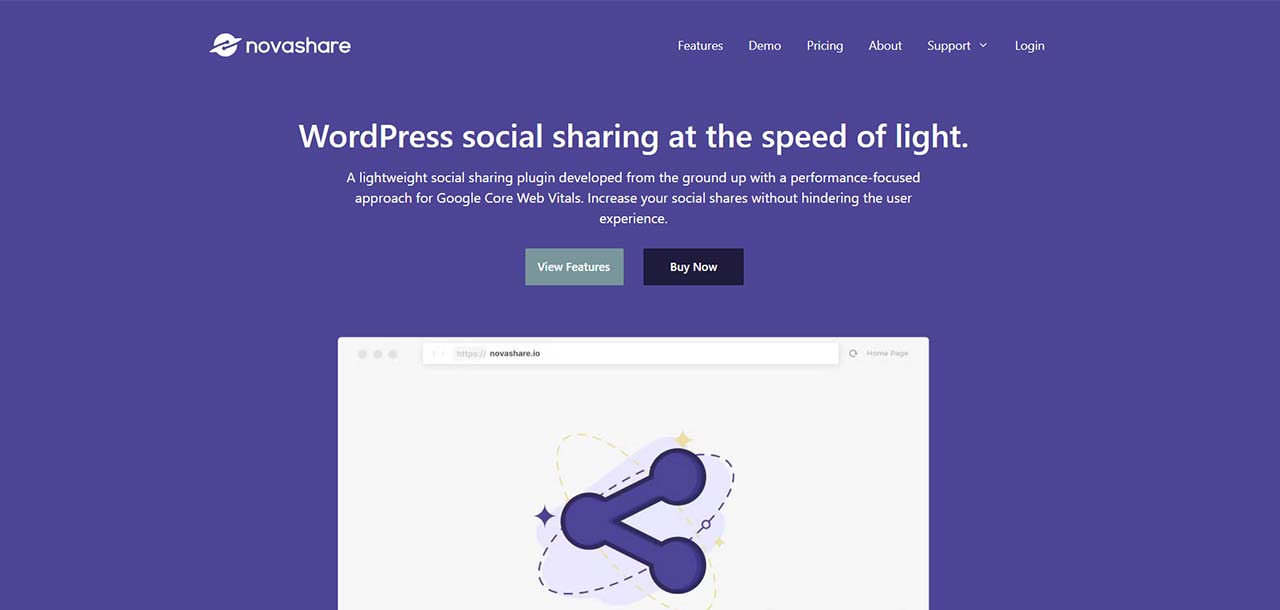
Novashare is built with performance as the core focus. The plugin is small, does not load unnecessary scripts, and is designed to have a minimal effect on page speed.
It supports 20+ social networks including Facebook, LinkedIn, Twitter/X, Pinterest, Telegram, and others. Pinterest users get a highlight-to-pin feature that lets visitors pin any image they hover over while browsing. Share counts display cleanly where supported.
Novashare is a paid-only plugin with no permanent free tier, but the price is low and the focus on speed makes it a good fit for SEO-conscious publishers.
Pricing:
- Personal: $24.95/year for 1 site.
- Growth: $74.95/year for up to 5 sites.
- Team: $174.95/year for unlimited sites.
Category 4: Content Recycling
Content recycling plugins are not auto-posting tools. They do not post new content at publish time. Instead, they cycle through your existing archive on a schedule and share older posts back to social media, keeping evergreen content active over time.
This category complements an auto-posting plugin rather than replacing it.
Revive Old Posts
Best for: Blogs and publishers with a large content archive who want older articles to keep circulating on social media automatically.
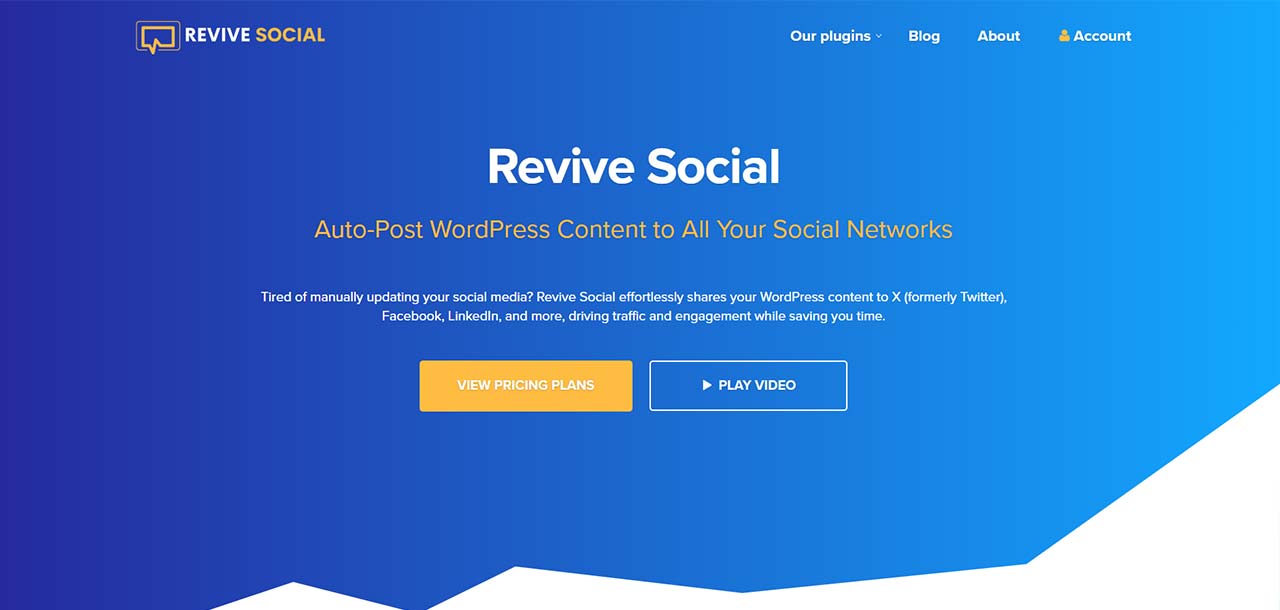
Revive Old Posts pulls from your post library and shares content to connected social accounts on a recurring schedule. You can filter by post category, minimum post age, excluded posts, and other conditions to control what enters the rotation.
Supported networks include Facebook, Twitter/X, LinkedIn, Tumblr, Instagram Business, Google My Business, and VKontakte. The network list is smaller than full auto-posting tools, but for content recycling that limitation is less critical.
The free version handles basic resharing. The paid version adds per-category filtering, custom scheduling intervals, UTM tracking, and more granular controls.
The typical practical setup: FS Poster handles new-post publishing, and Revive Old Posts runs in the background recycling older content that still has value.
Pricing:
- Free plan on WordPress.org.
- Personal: $75/year for 1 site.
- Business: $149/year for 3 sites.
- Unlimited: $299/year.
FAQ
Do I need more than one social media plugin?
Often, yes. Most WordPress sites benefit from two distinct tools: one auto-posting plugin to push new content to social networks, and one share-button plugin so visitors can spread content themselves. Social feed plugins and recycling tools are additional, not required for every site.
Is FS Poster worth it if I only have two or three social accounts?
Yes, if you publish content regularly. The value of FS Poster is not just the number of networks. The scheduling calendar, per-account custom captions, WooCommerce integration, AI caption generator, and YouTube Shorts support are useful regardless of how many accounts you connect. For occasional bloggers who publish once a month, a free tool may be sufficient. For anyone publishing weekly or more, the time savings add up quickly.
What is the difference between auto-posting and scheduling?
Auto-posting means the plugin sends your content to social media as soon as, or shortly after, you publish a WordPress post. Scheduling means you choose a specific future date and time for the social post, independently from when the WordPress post goes live. Good auto-posting plugins, including FS Poster, support both.
Can one plugin handle both social feeds and auto-posting?
Generally, no. Feed plugins and auto-posting plugins serve different technical functions, and most vendors specialize in one or the other. FS Poster focuses on auto-posting and scheduling. Smash Balloon and Spotlight focus on embedded feeds. You will typically need separate plugins for each job.
Which plugin is best for WooCommerce stores?
FS Poster. It has dedicated WooCommerce support that pulls product images, titles, prices, and descriptions automatically into social posts. You can auto-post new products, sale announcements, or restocked items to any connected social network without manual work.
Are there genuinely good free WordPress social media plugins?
Yes. AddToAny is an excellent free option for share buttons. Blog2Social’s free plan covers 12 networks for basic manual sharing. Revive Old Posts has a functional free tier for content recycling. Most feed plugins also offer limited free versions on WordPress.org.
How many plugins should a WordPress site actually install?
For social media, the practical answer for most sites is two to three: one auto-posting plugin, one share-button plugin, and optionally one feed plugin if your design calls for embedded social content. Adding more plugins than you need increases maintenance overhead and can slow down your site.
The Short Version
The best WordPress social media plugin depends on the job you need it for.
For auto-posting to multiple social networks, FS Poster is the strongest option in 2026. The combination of 26 supported networks, a scheduling calendar, per-network custom captions, WooCommerce product posting, YouTube Shorts support, and a WordPress-native workflow puts it ahead of everything else in this category. Jetpack Social and SchedulePress are solid alternatives for simpler needs or smaller budgets.
For embedding social content on your site, Smash Balloon is the most widely used and polished choice. Spotlight is worth considering if Instagram is your only feed need.
For share buttons, AddToAny covers most sites at zero cost. Novashare is the step up if you want performance-optimized, styled buttons with Pinterest features.
For content recycling, Revive Old Posts handles the job well as a background tool running alongside your main auto-posting plugin.
Start with the job you need done, match it to the right category, and you will spend less time comparing plugins and more time actually using them.